
Monday 31 August · Wanaka Branch
Rep Demo Runsheet
Your crib sheet. Tap steps to tick them off. Every screenshot is what their screen should look like at that moment. Total demo: about 15 minutes, then hands-on.
Before you leave Sunday night / Monday morning
The demo ~15 min, your phone
One idea per step. Say the line, show the screen, move on. Do not tour every feature - let them find things.
This is Lays OS. I built it for this counter and your utes. It is not a training course - if you can use Facebook you can use this. It is live now, on your phones, with every client and every price already in it.
Hold up your phone with the Today screen open. Nothing else.
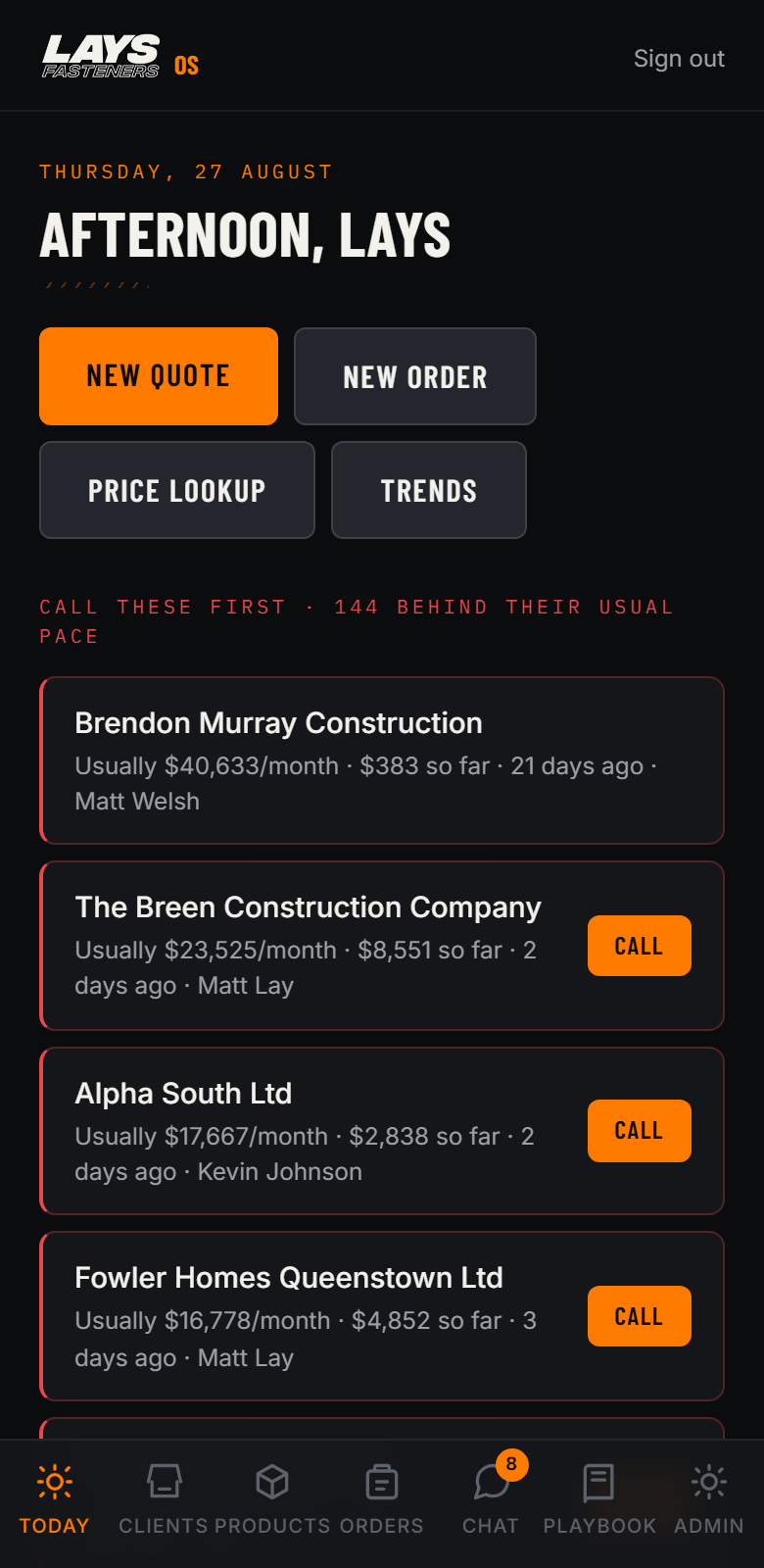
Every morning it tells you who has gone quiet BEFORE the month is lost. This client normally spends forty grand a month and has barely ordered - that is a call worth making today, not at month end.
Scroll the Call These First list slowly. Tap the Call button on one so they see it dials. The list is each rep's own book when they log in - yours shows everyone because you are admin.
What their screen shows
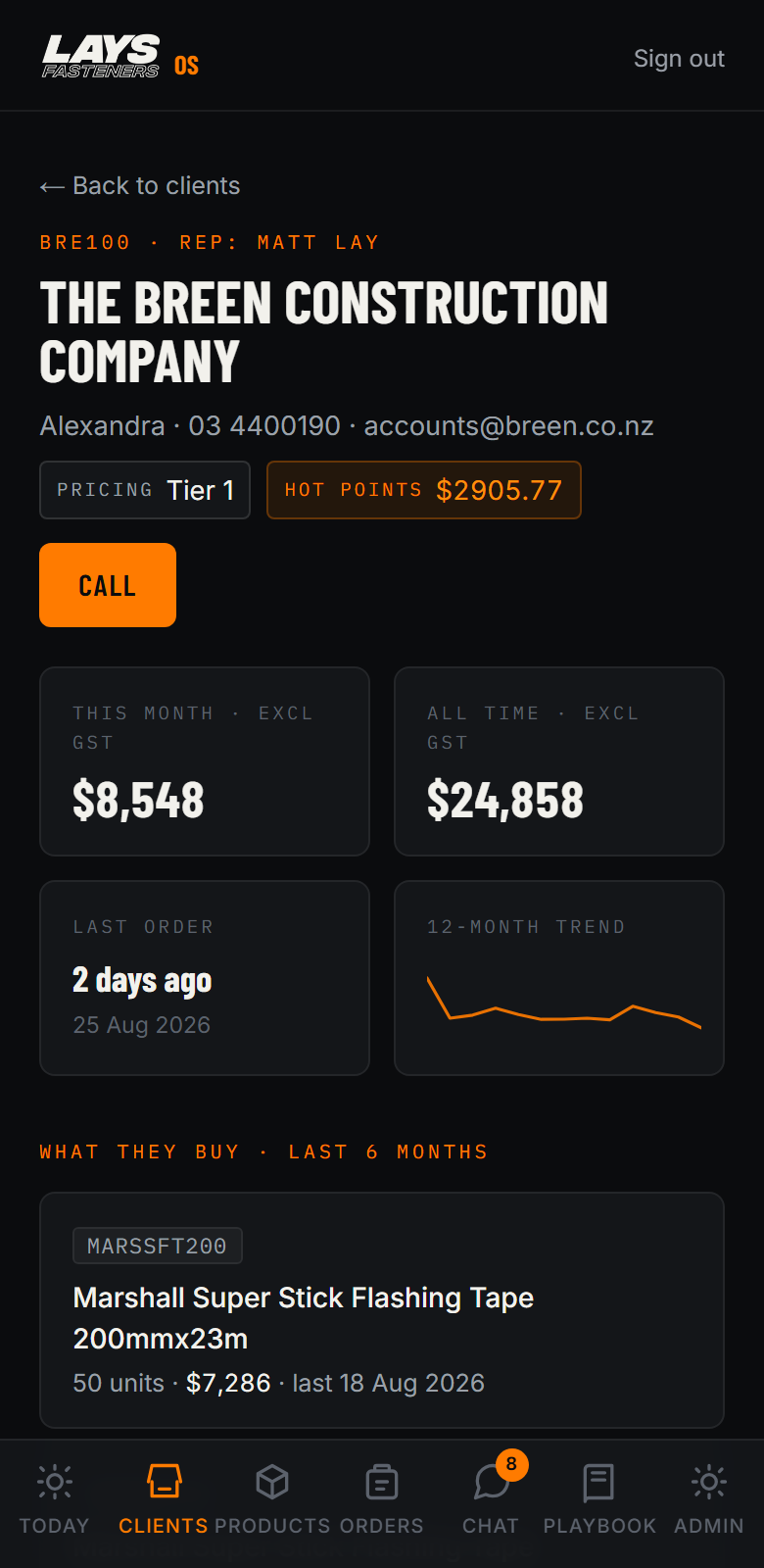
Tap any client: what they spend, when they last ordered, their price tier, their Hot Points, and what they actually buy. You walk on site already knowing what to talk about.
Open a big client. Point at the What They Buy list.
What their screen shows
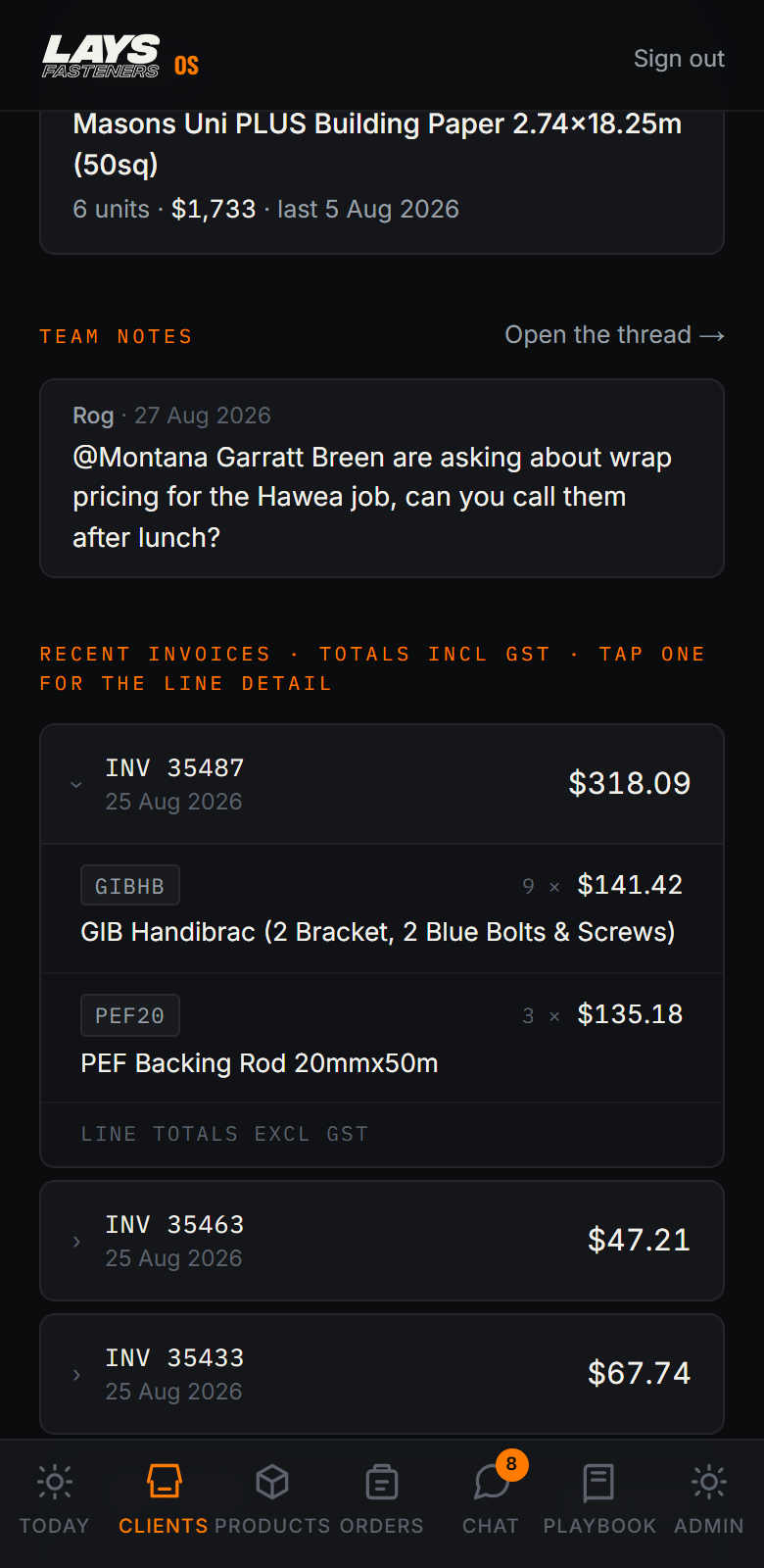
Builder rings asking what he paid for those screwbolts in June? Tap the invoice. Every line, on the spot, while he is still on the phone.
Tap one invoice, let the lines drop open.
What their screen shows
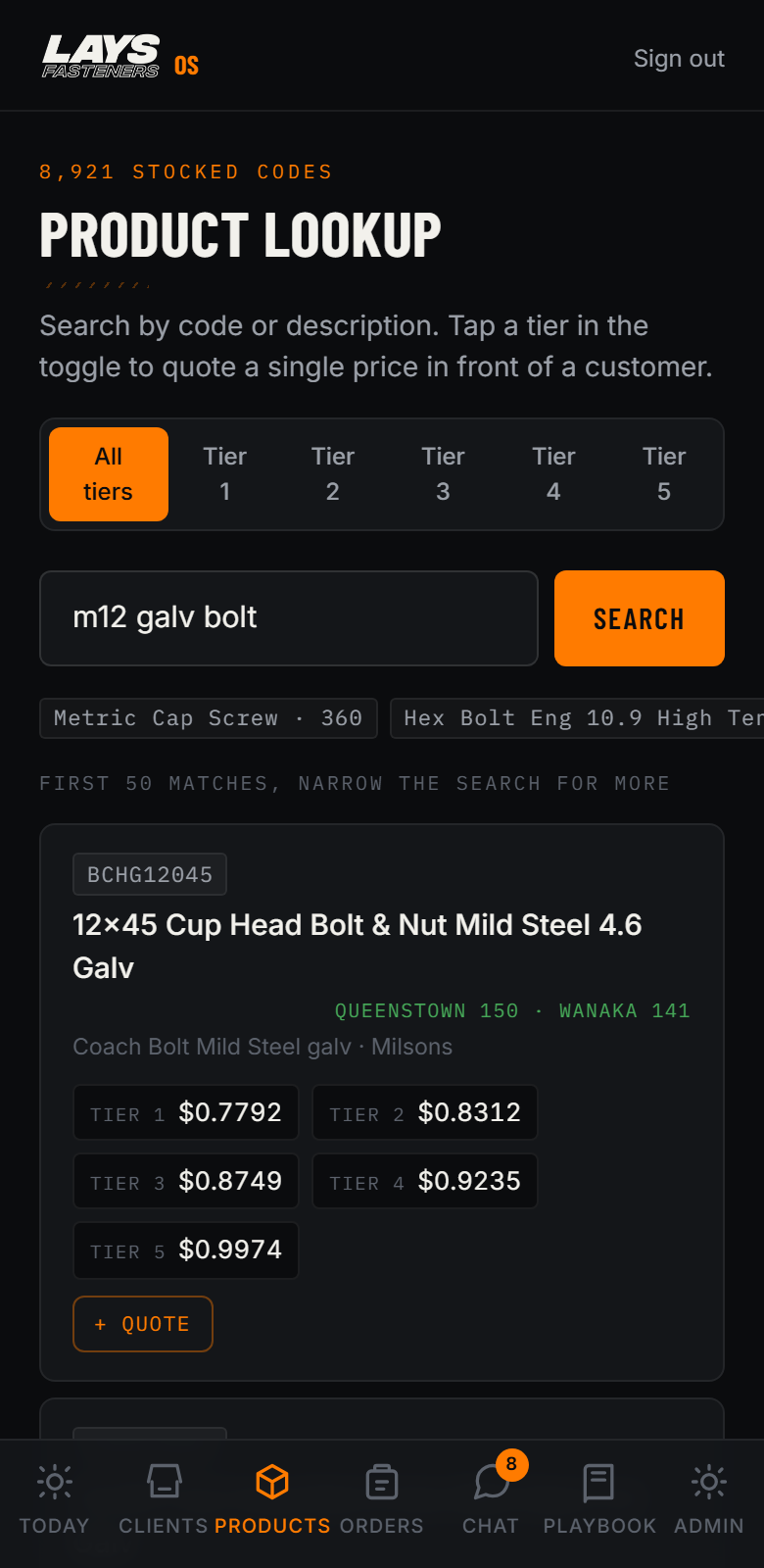
Type it how you would say it. m12 galv bolt. Tek screw. 3 by 6 stainless button. It knows what you mean, shows stock at both branches, and every price tier. And Quote Mode locks it to one tier so you can price up in front of a customer without showing what anyone else pays.
Type m12 galv bolt live. Tap a tier in the toggle to show Quote Mode. Invite one rep to try their trickiest search - the synonyms usually survive it, and if one misses, write it down: it becomes a fix this week.
What their screen shows
Plus Quote from any product, pick the customer, and it prices at THEIR tier automatically. GST done. Saved.
Build a 2-3 line quote for a real client, fast. Speed IS the point - do not narrate every tap.
What their screen shows
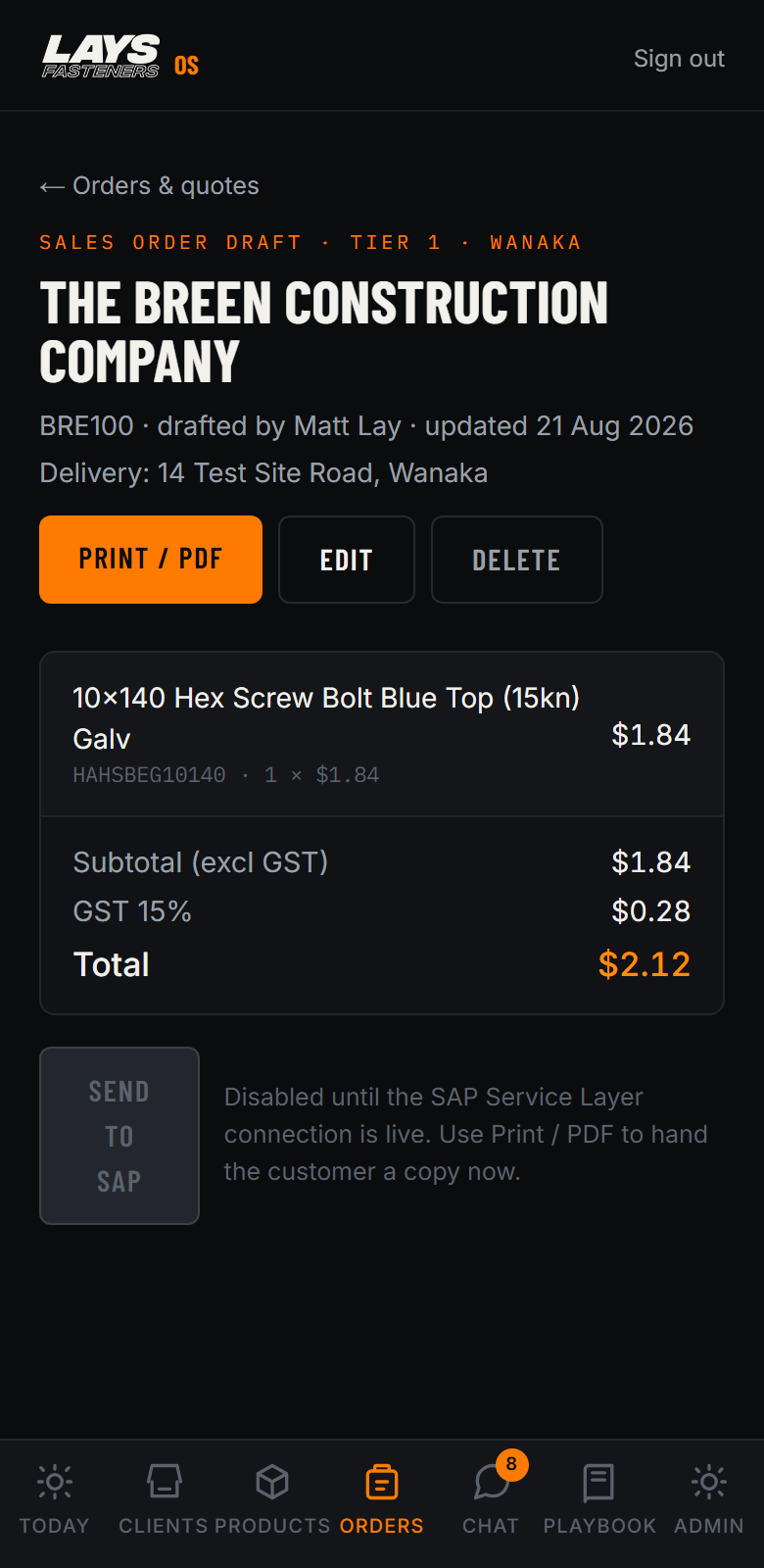
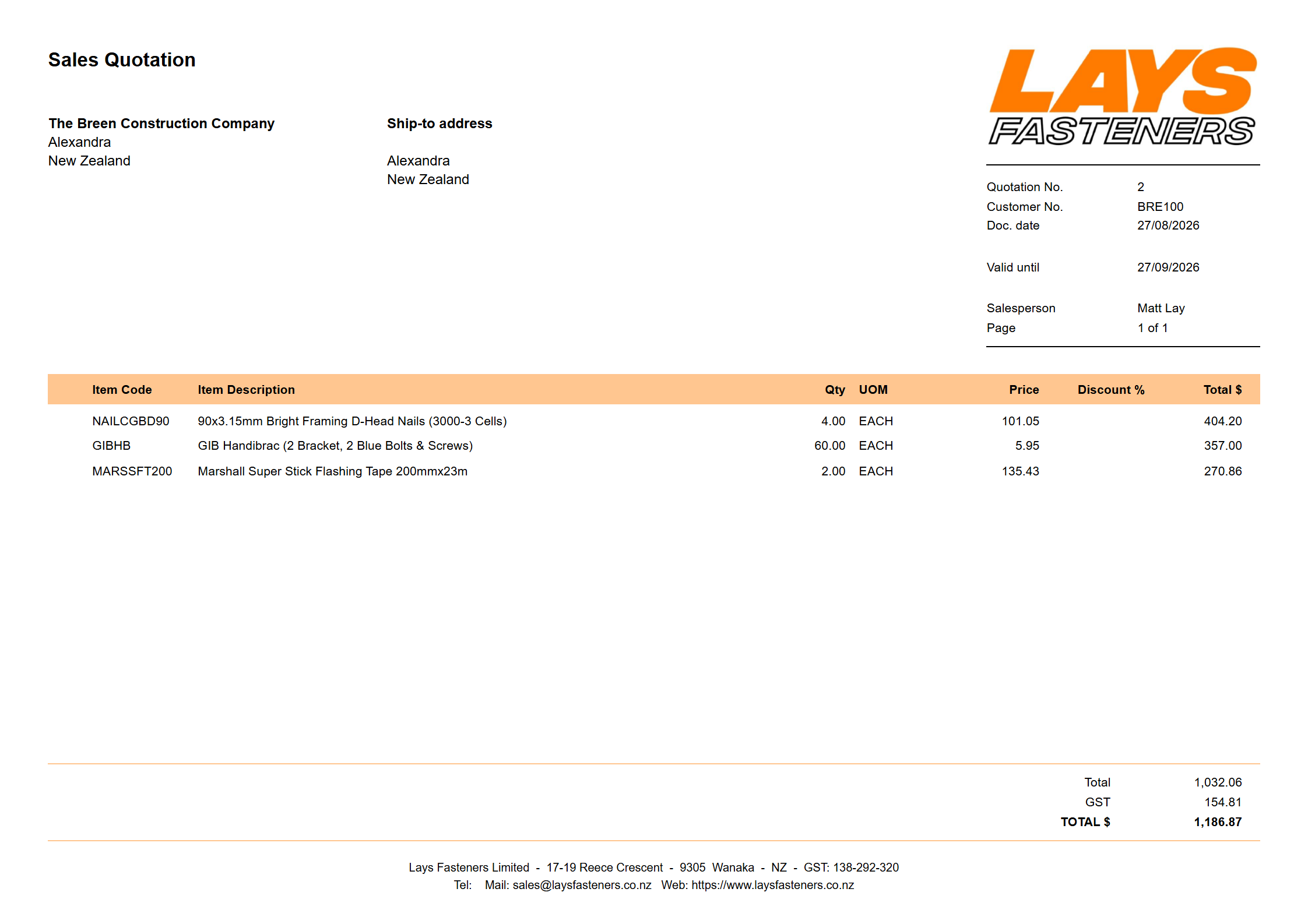
One tap and it is the exact same quote sheet SAP prints at the counter. Print it, or save the PDF and text it to the builder before you have left the site. That is the moment you win the order.
Tap Print / PDF on the quote you just built. Show the sheet.
What their screen shows
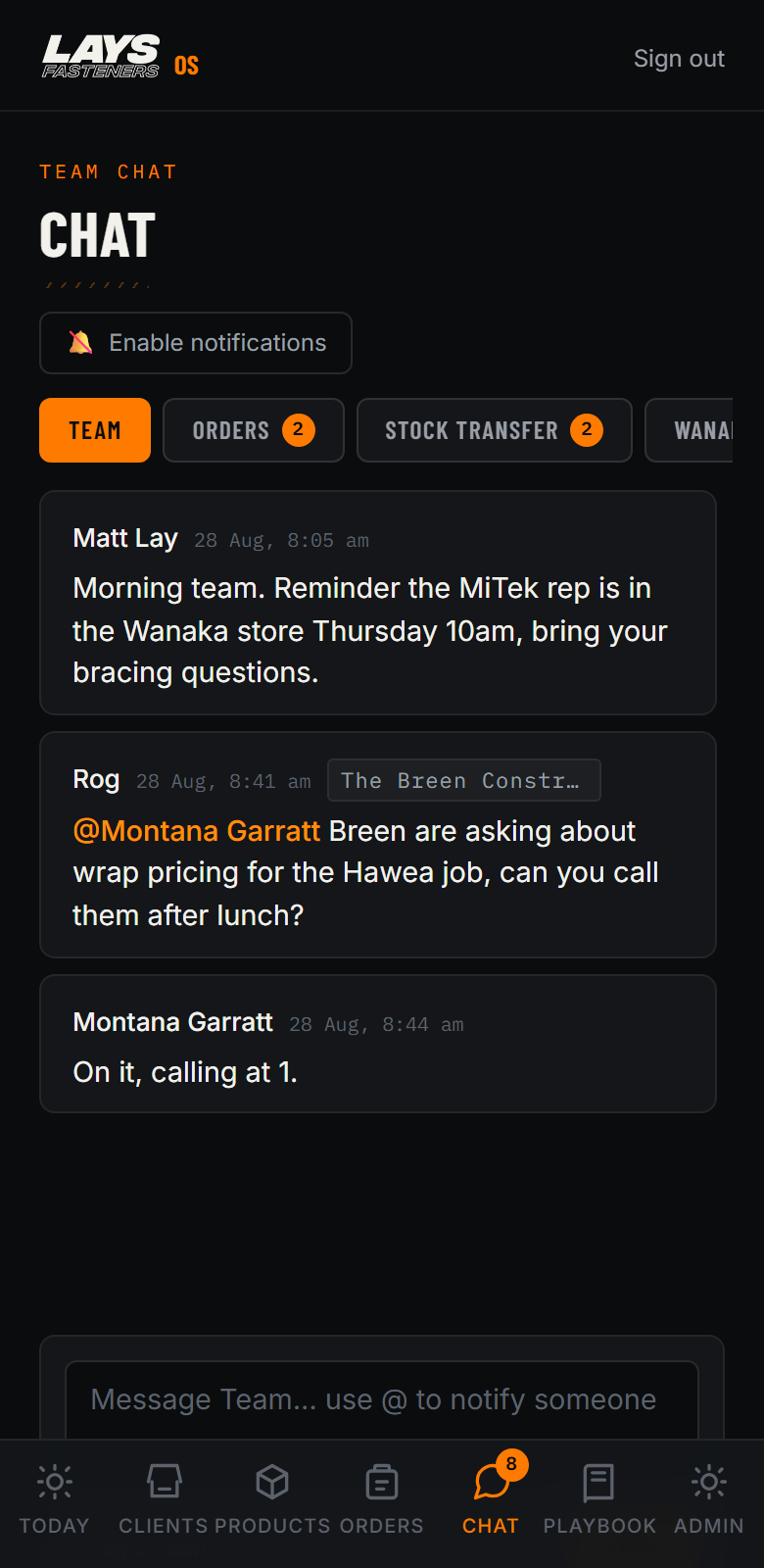
Work talk out of your personal group chats. Channels for Orders, Stock Transfer, and each branch. And when someone mentions you, your phone buzzes even with the app closed. Watch.
The finale: once a rep has logged in and enabled notifications, @mention them from your phone and let the room hear their phone buzz. Only do this live if your Sunday test worked.
What their screen shows
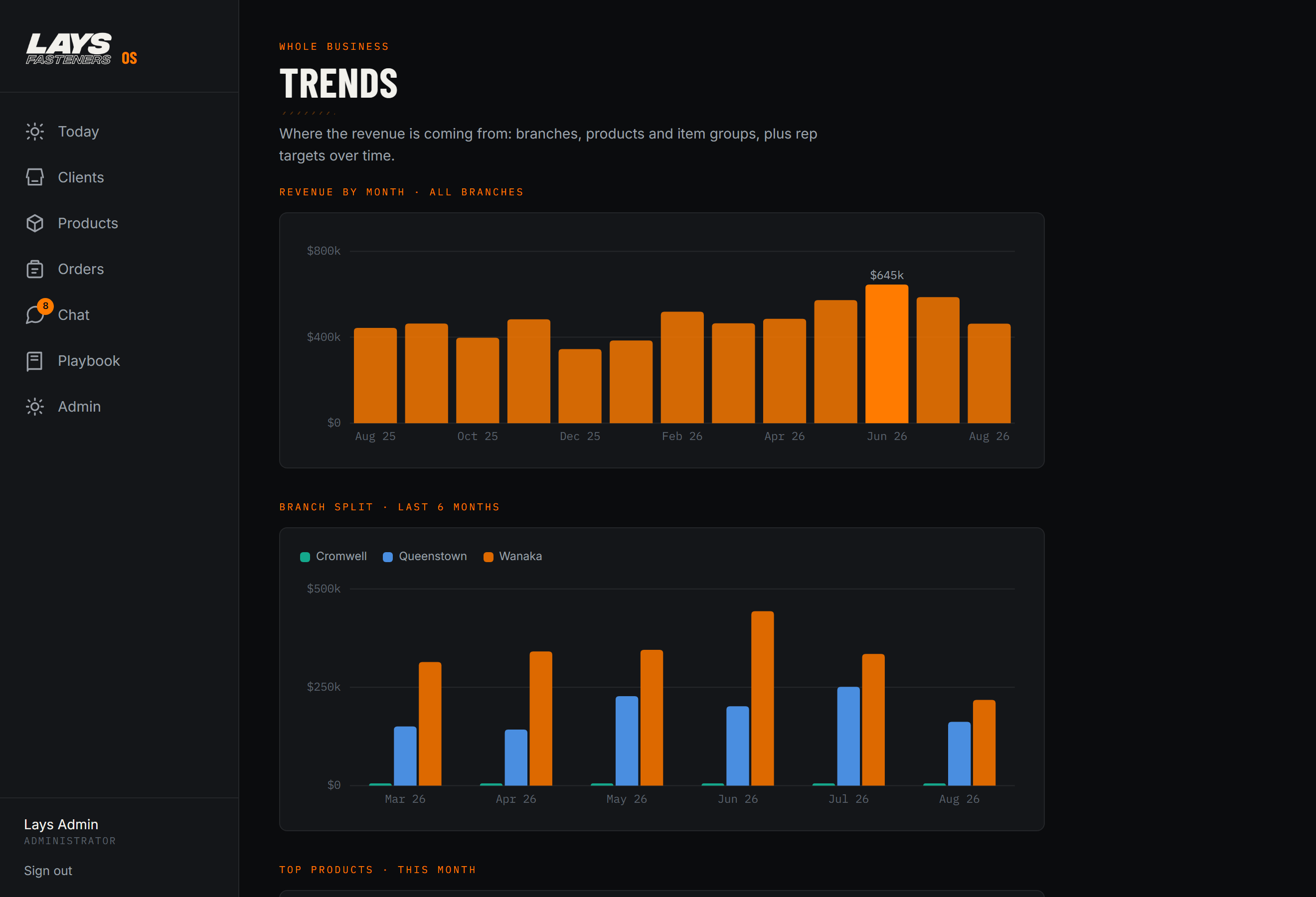
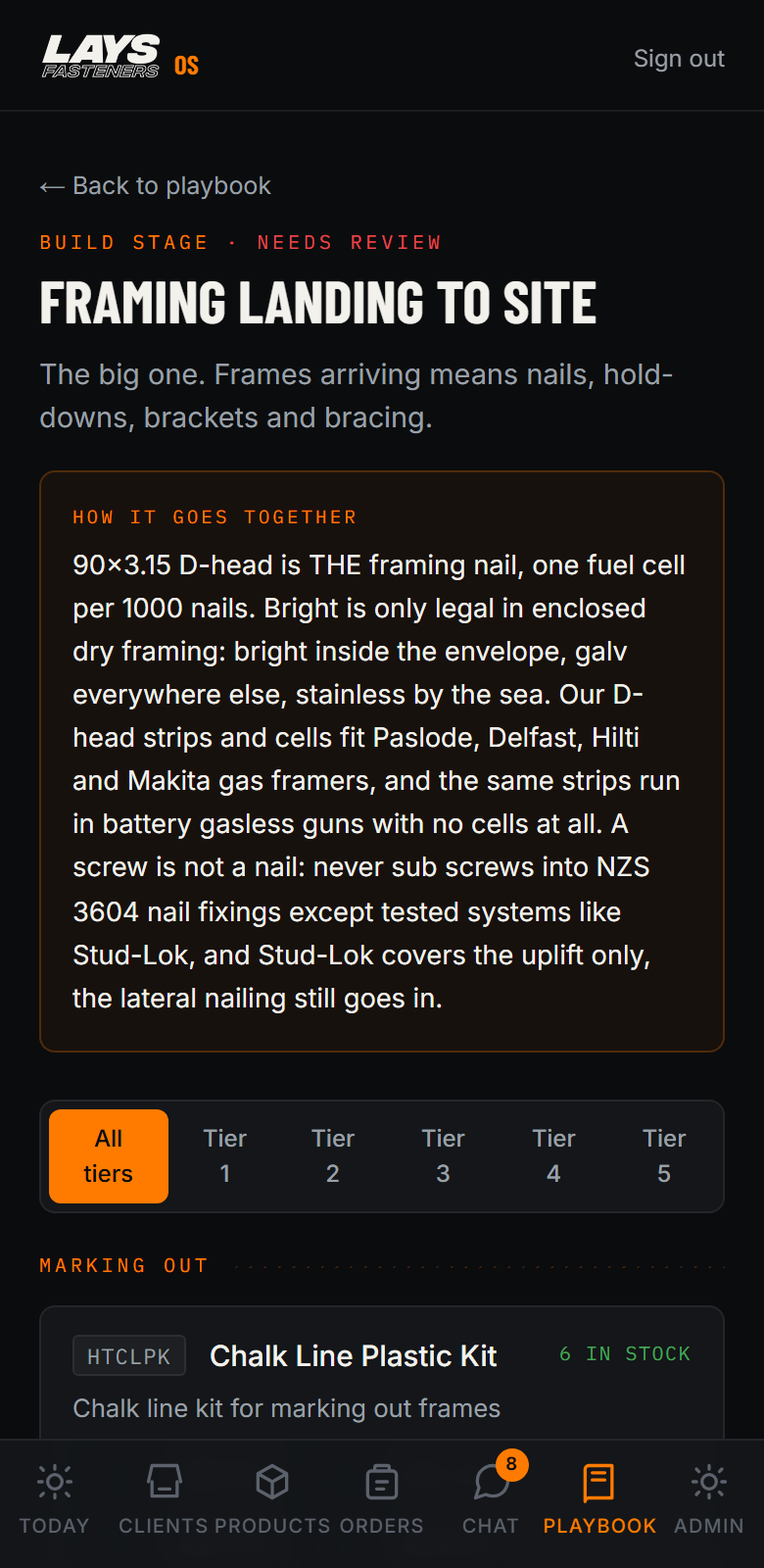
Trends shows your own numbers - what your book is buying and where you are against target. And the Playbook is every build stage with the products we sell for it - it makes anyone sound like they have ten years on the counter.
Flash both screens. Do not deep-dive. If asked: playbook content is awaiting Matt and Montana's sign-off.
What their screens show
Get them on it ~10 min, hands-on
If something goes wrong
Big-screen deck for the laptoplays-os-runsheet-v9t2.pages.dev/deck/
The applays-os.gerdilonmsn.workers.dev
Capability book - safe to text the reps afterlays-os-book-m3x8.pages.dev